01 · Size a busy week
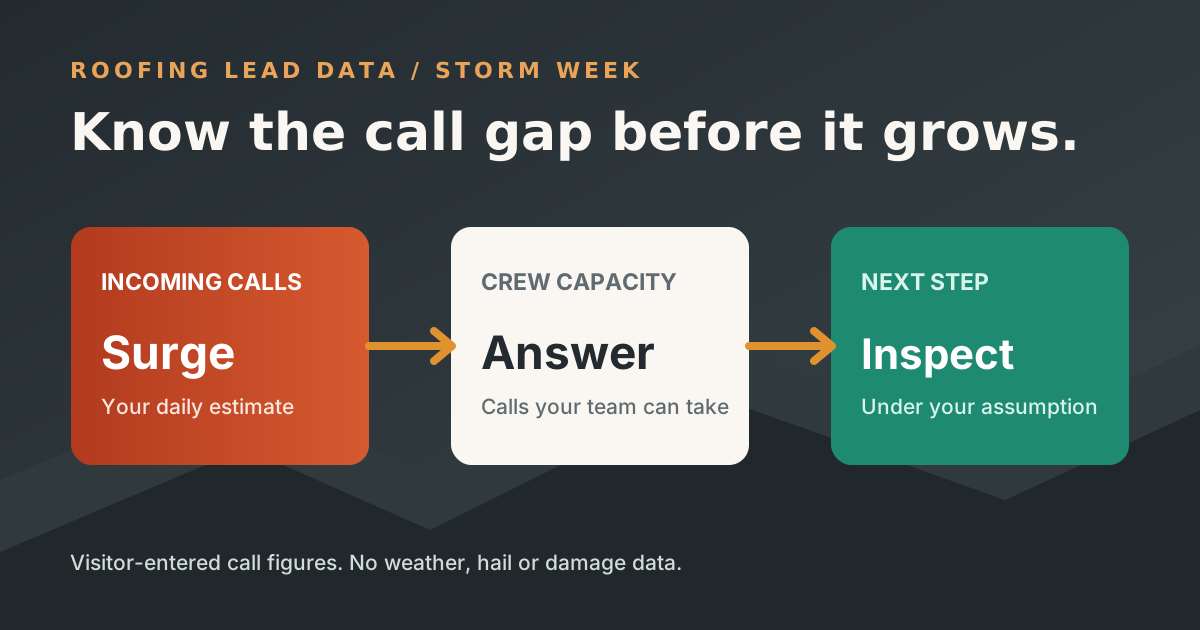
Start with calls and crew capacity.
Use your phone log if you have one. Otherwise, mark the figures as working assumptions to check after the next surge. The service-area label is only for your own notes.
Your working estimate
Calls needing another path
02 · Give calls a next step
What should happen when the crew cannot pick up?
Write the information an answering flow should capture and the point where a person should take over. These notes stay on this page until you copy or print them.
Damage-call intake
Inspection booking
Urgent escalation
How the estimate works
A capacity model, not a storm map.
What is counted
Daily gap = the larger of zero or incoming calls minus live answer capacity. Multiply that gap by the entered surge days. Multiply the period gap by your inspection-request share to model possible inspection calls within it.
What stays unknown
The model cannot tell whether a storm happened, which roofs were damaged, whether a caller would book, or whether a later callback recovered the request. It does not project jobs or revenue. Verify the call mix and service area with your team.
Ready for the next storm-week call?
Build an intake path your crew can use.
Roofing Lead Data can be configured around roofing questions, inspection booking, job details, and urgent human routes. Bring your call log and exception notes to a walkthrough.
Put your plan in context
Read a related guide and a worked example →
Review your assumptions with the people who own the next step before configuring a live flow.